
If AI has made parts of your job faster but your working day feels heavier, the technology is only half the story. The other half is what happened to expectations. In Hubstaff’s State of the Workweek 2026 survey of 1,068 full-time US employees in computer-based roles, 46% of the people who use AI said the amount of work expected of them has increased since they started using it, and only 5% said it had decreased. Ensono’s 2026 Speak Up survey of 1,500 women working in technology across the US, UK and India found the same pressure from another angle: 87% reported at least some burnout, 60% described themselves as moderately, very or extremely burned out, and 42% said AI has pushed them to produce more work in less time.
People have started calling this pattern AI burnout: the fatigue and overload that build when artificial intelligence removes the slow parts of a job and the freed hours fill with more tasks. The day gets heavier even as productivity rises. This guide explains why expectations expand, how to tell whether the expansion is landing on you, and what you can do about it, from renegotiating scope to protecting your evenings. If stress at work is one part of a bigger anxiety picture, our comprehensive guide to dealing with stress and anxiety is a good place to start.

Why expectations expand when the tools get faster
The first mechanism is the reset baseline. AI increases productivity on a single task; that part is not in dispute. When a report that took a day now takes an hour, the hour becomes the standard. Nobody announces this. The pace of change shows up in deadlines and project timelines, in how many projects one person is expected to carry, and in the quiet assumption that a task marked urgent can be turned around the same day. Your best week with the new tools becomes your normal week.
The second mechanism is that saved time is easy to see and easy to reassign. Hubstaff found that only 26% of AI users say they take on more work with the time they save. The productivity gains from the rest of that saved time rarely reach the worker; the work itself claims them. A gap in the calendar reads as room for another project, even when the gap was the point of the tool.
The third mechanism is invisible work. What the software produces has to be prompted, read, checked, corrected and fitted to the situation it will be used in. Hubstaff found that 45% of AI users spend at least an hour a week reviewing, editing or correcting other people’s AI-generated work. That hour rarely appears in a job description, a project plan or an estimate, but it comes out of the same day as everything else. Reviewing is also tiring in a specific way: your attention is on someone else’s draft, hunting for errors, which is harder to pace than doing the work yourself. Sustained checking is a known route to cognitive overload: attention never fully rests between judgments.
The fourth mechanism is volume. When a draft costs minutes, the reasonable-sounding request is for ten drafts. When a summary is cheap, every meeting gets one, and the tools that were meant to automate repetitive work end up multiplying it. As AI capabilities widen, more things can be requested cheaply, and expected turnaround times accelerate with them. The volume climbs because it can, and each extra item brings its own small tail of checking, sending, filing and following up. Ensono’s respondents named a related pressure: 34% said they feel expected to be available at all times, so the extra work follows them out of the working day.
None of this means the tools are useless. Two-thirds of Ensono’s respondents said AI has made their workload more manageable. AI may make a single task lighter while making the whole week heavier. The problem is the unmanaged middle: tools adopted quickly, expectations adjusted informally, and the difference absorbed by individuals until they start to wear out.
Signs the expansion is landing on you
You do not need a label to take the pattern seriously. These are the signs readers describe most often, and several of them mirror what the surveys above measured:
- Your list grows faster than it shrinks, even though individual tasks take less time than they used to.
- A large share of your day goes to reviewing, correcting and reworking generated drafts rather than doing the core work itself.
- Your attention is split across multiple AI apps and assistants, each with its own queue of drafts for you to check.
- You finish most days having produced more than you did a year ago, and you still feel behind.
- The thinking work, planning, deciding and writing carefully, keeps sliding into the evening because the day is full of production.
- You answer messages later and later into the night because replies are expected quickly now.
- Weekends restore you less than they used to, and Monday feels like a continuation rather than a restart.
One or two of these, for a week or two, is a busy stretch. Most of them, for months, is more work than the job was designed to hold. The plain word for that is overwork, and left alone it deepens: people undervalue their own limits, disengage from work they used to care about, and quietly plan their exit. That is why employee stress surfaces in turnover figures before anyone names it in a meeting. Burnout also has causes that have nothing to do with AI, including staffing, management and job design, and our guide to the main causes of workplace burnout and what helps covers that wider picture.
The pushback playbook
Pushback works best when it is specific, written down and aimed at scope rather than at the tools. Managers can ignore a feeling; a list with dates is harder to set aside.
Keep a workload ledger for two weeks
For ten working days, keep two lists. The first records every task that arrived because AI made it possible or because expectations rose: the extra versions, the added report, the project absorbed from a colleague. The second records the review work: time spent checking, correcting and reworking generated material, yours and other people’s. Use this format:
Date | Task added | Why it was added | Time it took, including checking
Two weeks of this gives you something surveys cannot: your own numbers. Most people find the review column is the surprise. It is also the column that turns a vague complaint into a planning fact. Treat the weekly review total as your baseline metric for every later conversation. The ledger settles the fairness question too: if the extra work landed on two people while the credit went elsewhere, the numbers show it.
Renegotiate scope in writing
Take the ledger into your next one-to-one or planning meeting and ask the priorities question directly: “With these three projects all due Friday, I can do two of them well. Which two matter most?” The question does three things. It makes the trade-off visible, it puts the choice with the person who owns the priorities, and, if you follow up by email, it creates a record of what was agreed. Verbal agreements about scope have a way of expanding again; written ones tend to hold. It forces the trade-off into the open: someone with authority has to prioritize, on the record.
Make the review work part of the estimate
When you quote a time for work done with the tools, include the checking and the refinement. “The draft took twenty minutes. Verifying the figures and fixing the tone took another fifty.” Said plainly and repeatedly, this recalibrates what a task is understood to cost. Fluent first drafts from generative AI systems are why the checking matters: the mistakes are plausible, so they take longer to catch. It also protects the quality of the work: material that is expected to be instant gets checked as if it were instant, which is how errors slip through.
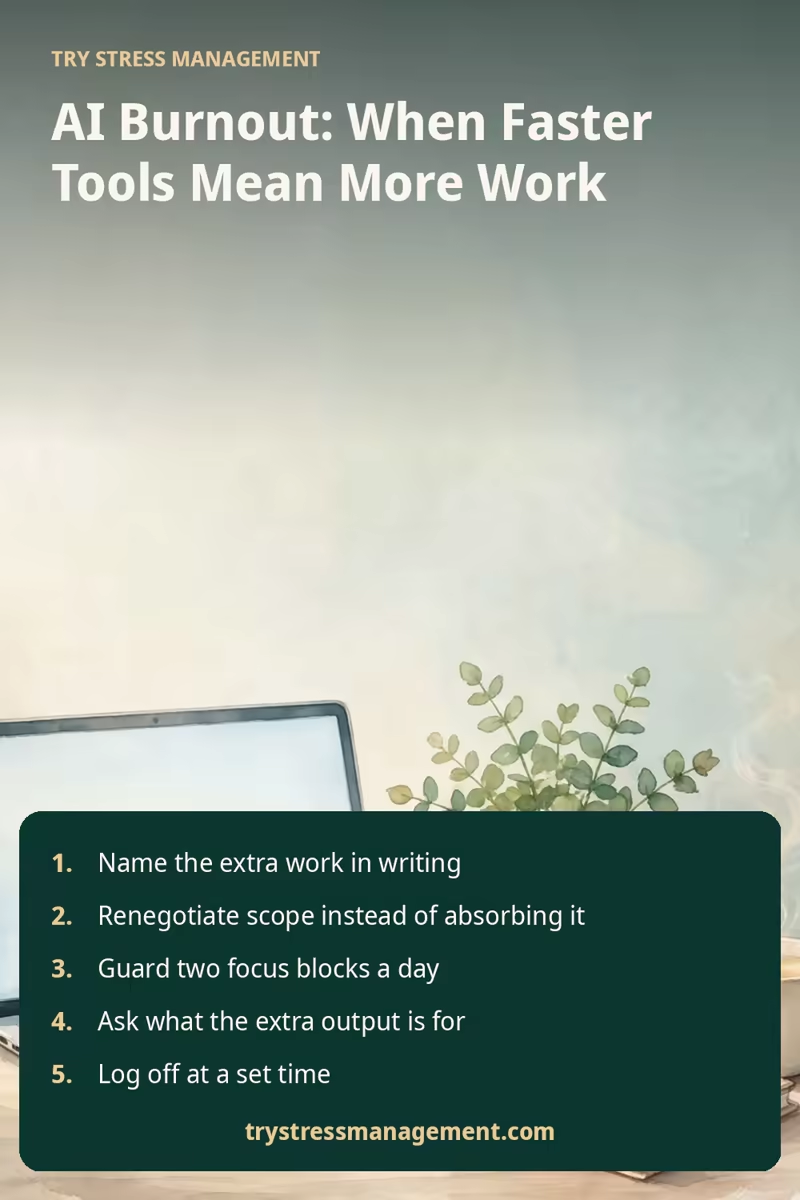
Protect focus blocks, and batch the AI work
Constant context-switching between prompting, reviewing and your own work is its own drain. Two habits help some people. Keep two blocks a day, even forty-five minutes each, where messaging and the tools stay closed and you do the work only you can do. Then batch the machine work: one session for drafting with the software, one session for reviewing what it produced, instead of a drip of checks across the whole day. That rhythm suits an AI-augmented workflow, generating in one sitting and judging in another, and it makes the review load visible in your calendar.
Question volume requests
When you are asked for ten versions, ask what decision the versions will feed. Sometimes the honest answer is one version and a conversation. When you are asked to produce a summary of a document nobody will read, ask who it is for. Asked respectfully, these questions reduce the ask more often than they cause friction, because a share of volume requests are habits rather than needs. Run it as an experiment for a month: one version, one conversation, and note whether anything needed went missing.
Teams that handle this well treat capacity as a shared planning problem instead of a personal one. Our guide to building a healthier, more supportive work environment covers the team and manager side of that, including capacity, rest and autonomy.
The durable fixes are organizational, and they start with AI adoption itself. When the initiative comes from leadership, the time conversation should come with it. Before the rollout, leaders must say what the saved hours are for: which tasks disappear, which standards rise, and what they will not be spent on. A team that implemented AI after that conversation can argue about capacity in the open, as a collaborative planning problem. The impact of AI on a working week is decided in those early choices, not by the software.
After the rollout, the protective habits are unglamorous. Regular check-ins make the review load a standing agenda item, and short pulse surveys ask about employee stress while it is still cheap to fix. Feedback loops let team members flag an unrealistic deadline early, without being marked as negative. This is psychological safety: people feel safe saying the load is too much while it can still be planned around, and managers create environments where that report counts as information, not complaint. It also means questioning performance monitoring that is now often algorithmic, counting drafts and messages as if volume were the goal. Governed that way, reliance on automation stays a choice, and the pace stays sustainable instead of quietly unsustainable.
Start this week: three moves
You do not need a meeting to begin. Three small moves, in order:
Monday: start the ledger. Two columns on paper or in a note: tasks added, review time spent. Ten days is the target, but even three days shows a pattern.
Wednesday: pick one recurring volume request, the ten versions or the summary nobody reads, and ask what decision it feeds. Note what happens; a reduced ask is your first recovered hour.
Friday: set a log-off time and keep it. Write tomorrow’s first task down before you close the laptop, so your evening is not spent rehearsing it.
Then book the scope conversation with your ledger in hand. Small evidence, gathered calmly, turns a feeling into a planning problem your manager can act on.
Recovery basics
While you negotiate the load, protect the basics that exhaustion erodes first. Individual habits alone cannot prevent AI burnout when expectations keep expanding; they buy steadiness while slower fixes happen. This is the practical side of wellness at work: sleep, daylight, movement and a proper end to the day are what reduce stress.
Give the day an end. A set log-off time, kept most days, matters more than an occasional long break. A short shutdown routine helps the boundary hold: write tomorrow’s first task on paper, close the tabs, leave the laptop in another room if you work from home. The aim is to stop the evening becoming an overflow shift.
Take breaks during the day, not only after it. Short pauses between tasks, a walk at lunch, daylight when you can get it. These are small and unglamorous, and they are what a packed schedule squeezes out first, so schedule them the way you schedule meetings.
Guard sleep. Tired people review worse, decide worse and feel the pressure sooner, so a regular sleep time is part of managing the load, not a reward for finishing. If work thoughts follow you to bed, a wind-down routine and a notepad for the looping items can help; our guide to dealing with stress and anxiety has more on settling a busy mind.
Talk to someone. A colleague who shares the work, a friend outside work, or a professional. If tiredness, low mood or loss of interest persist for weeks, or start to affect your health and daily life, talk with a qualified healthcare professional. This article is general information, and persistent symptoms deserve individual support.
Want one practical email a week on calmer workdays? Join the free Try Stress Management newsletter — one short read each week on stress, sleep and focus, and you can leave at any time.
This article is general educational information about workplace stress. It is not medical advice and does not diagnose any condition. If stress or persistent tiredness is affecting your health, a qualified healthcare professional can help you work out what you need.
Frequently asked questions
Is AI burnout a medical diagnosis?
No. AI burnout is a description people and researchers are using for the fatigue linked to AI-driven changes in how work is assigned. The World Health Organization classifies burnout as an occupational phenomenon, not a medical condition, and only a qualified professional who knows your situation can assess what you are experiencing.
Why do I feel tired when AI does part of the work for me?
Because the part it hands back is oversight. Checking, correcting and integrating what it produces is sustained attention work, and the time the tool saves often gets refilled with more tasks. You can end the day having produced more, with less sense of completion, which is a draining combination.
How do I raise this with my manager without sounding like I am complaining?
Bring the ledger, not the feeling. Show the tasks added in the last two weeks and the hours spent reviewing AI output, then ask the priorities question: which of these matters most? You are asking for a planning decision, and most managers respond better to that than to a general statement about being busy.
Should I stop using AI tools at work?
That is a personal and practical choice. The surveys suggest the strain comes less from the productivity tools themselves than from expectations that expanded without discussion. Many people keep the tools and renegotiate the scope around them. If a specific tool adds more checking than it saves, saying so, with your ledger as evidence, is reasonable. The tools are weakest where human skills matter most: judging what is worth doing, and noticing when a colleague is struggling.
When should I look for support beyond self-help?
If you have felt persistent tiredness, poor sleep, low mood or cynicism about work for weeks, or these get worse or start affecting your health, relationships or ability to do daily tasks, talk with a qualified healthcare professional. Disengagement counts too: no longer caring about work that used to matter to you is a warning sign, not a character flaw. Our workplace burnout guide explains the common warning signs in more depth.
A note on sources: the figures in this article come from Hubstaff’s State of the Workweek 2026 (1,068 full-time US employees in computer-based roles, surveyed in October 2026) and Ensono’s Speak Up 2026 (1,500 women in technology across the US, UK and India). Both are vendor surveys based on what workers report about their own experience, so read the percentages as a picture of reported experience rather than measurements of any single workplace.

Hi, I’m Sophia! Welcome to my blog Try Stress Management (trystressmanagement.com), where I share simple, down-to-earth ways to handle stress and bring more calm into everyday life. Think of me as your friendly guide, offering practical tips, reflections, and little reminders that we’re all figuring this out together.
When I’m not blogging, you’ll usually find me with a good book, sipping tea, or exploring new walking trails. I believe small changes can make a big difference—and that a calmer, happier life is possible for everyone.